


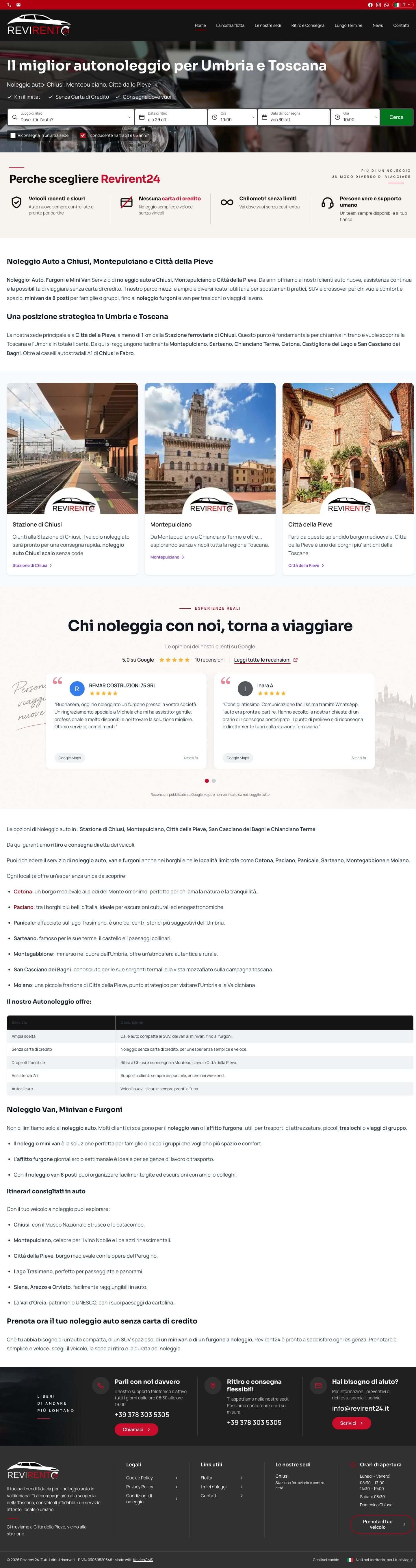
Revirent24
Car Rental
Public website, search by location, dates, car, spectacular
Choosing the right CMS
Security, real costs, maintenance, SEO and support: we put KeideaCMS side by side with the most widely used CMS, point by point, to help you choose the right one for your company.
Analysis of your current website, with no obligation
One page for each CMS, with the points that matter when your site needs to sell and be found.

Open source CMS · Blog / Generic
The most widely used CMS in the world, born for blogging. Today used for everything, but with a plugin ecosystem that makes it vulnerable and costly to maintain.

SaaS e-commerce · Subscription
The most popular SaaS e-commerce platform. Easy to get started, but with fees on every sale and costs that grow with revenue.

Open source CMS · Generic
The developer CMS of the 2000s. Powerful but complex, with a steep learning curve and a steadily declining community.

Open source CMS · E-commerce
Open source CMS for e-commerce, popular in Europe. Requires high technical skills, dedicated hosting and a significant budget for modules.

SaaS website builder · Drag & drop
The simplest SaaS page builder on the market. Ideal for personal sites, but with limited SEO, poor performance and total vendor lock-in.
Security, costs, speed and autonomy. Here's how KeideaCMS stacks up against the 5 most widely used CMSs.
Ratings based on internal tests and public Patchstack/W3Techs data — April 2026.
DETAILED COMPARISON
Feature by feature, CMS by CMS
Each table compares KeideaCMS with a single competitor on the metrics that matter for your business.
The most widely used CMS in the world, but at what cost?
| Feature | WordPress | KeideaCMS |
|---|---|---|
| Native security | Depends on third-party plugins | Built-in WAF firewall, 2FA, AES-CBC |
| Actual annual cost | €3,000+ (hosting + plugins + maintenance) | Fixed fee, all inclusive |
| Maintenance | Continuous updates, risk of crashes | Zero maintenance on the user's side |
| SEO | Requires Yoast or RankMath | Native: meta tags, Schema.org, sitemap |
| Support | Forum in English, no dedicated contact | Direct contact, in Italian, with the people who built the site |
Easy to get started, but how much does selling really cost you?
| Feature | Shopify | KeideaCMS |
|---|---|---|
| Sales commissions | 2.9% + $0.30 per transaction | Zero fees, ever |
| Website ownership | Total vendor lock-in | 100% your own property |
| Customization | Limited to the Liquid language | Total, built to measure |
| Product variants | Maximum 3 options per product | Unlimited and configurable |
| Real monthly cost | $300-500/month for a $20K store | Fixed fee, the more you sell the more you save |
Powerful on paper, but who really knows how to use it?
| Feature | Joomla | KeideaCMS |
|---|---|---|
| Ease of use | Complex interface, steep learning curve | Drag & drop, as easy as using Word |
| Community and support | Declining, few active developers | Dedicated team, direct support |
| Security | Depends on installed extensions | Native WAF firewall and 2FA |
| Updates | Frequent, risk of incompatibility | Managed by the team, zero risk |
| Future of the platform | Steadily declining market share | Growing, continuous active development |
Open source for e-commerce, but “free” is an illusion.
| Feature | PrestaShop | KeideaCMS |
|---|---|---|
| Cost of essential modules | €100-500+ per premium module | All features included |
| Hosting required | Dedicated server or VPS | Included and managed |
| Technical skills | Requires PHP/Smarty developers | Manageable by the marketing team |
| Maintenance | Manual updates, module conflicts | Zero maintenance on the user's side |
| Support | Community, forums, paid tickets | Direct, in Italian, included |
Easy to use, impossible to leave.
| Feature | Wix | KeideaCMS |
|---|---|---|
| Data migration | Unable to export the site | Your data, always exportable |
| Advanced SEO | Limited control over URLs and structure | Complete: Schema.org, sitemap, clean URLs |
| Performance | Heavy code, slow loading | Native <200ms, automatic WebP |
| Scalability | Limits on pages, storage, bandwidth | Grows with your business |
| Professionalism | Generic templates, amateurish look | Tailor-made design, professional image |
Find out your WordPress security level before it's too late
The choices that make the difference after the first year, when a website starts costing you.
The firewall checks every request before it reaches the site; 2FA is required to access the panel.
New versions arrive on their own, with the database changes already in place.
Titles, descriptions, structured data, sitemap and 301 redirects are already built into the panel.
The people who develop the CMS are the ones who answer you: no passing the buck between hosting, plugins and agency.
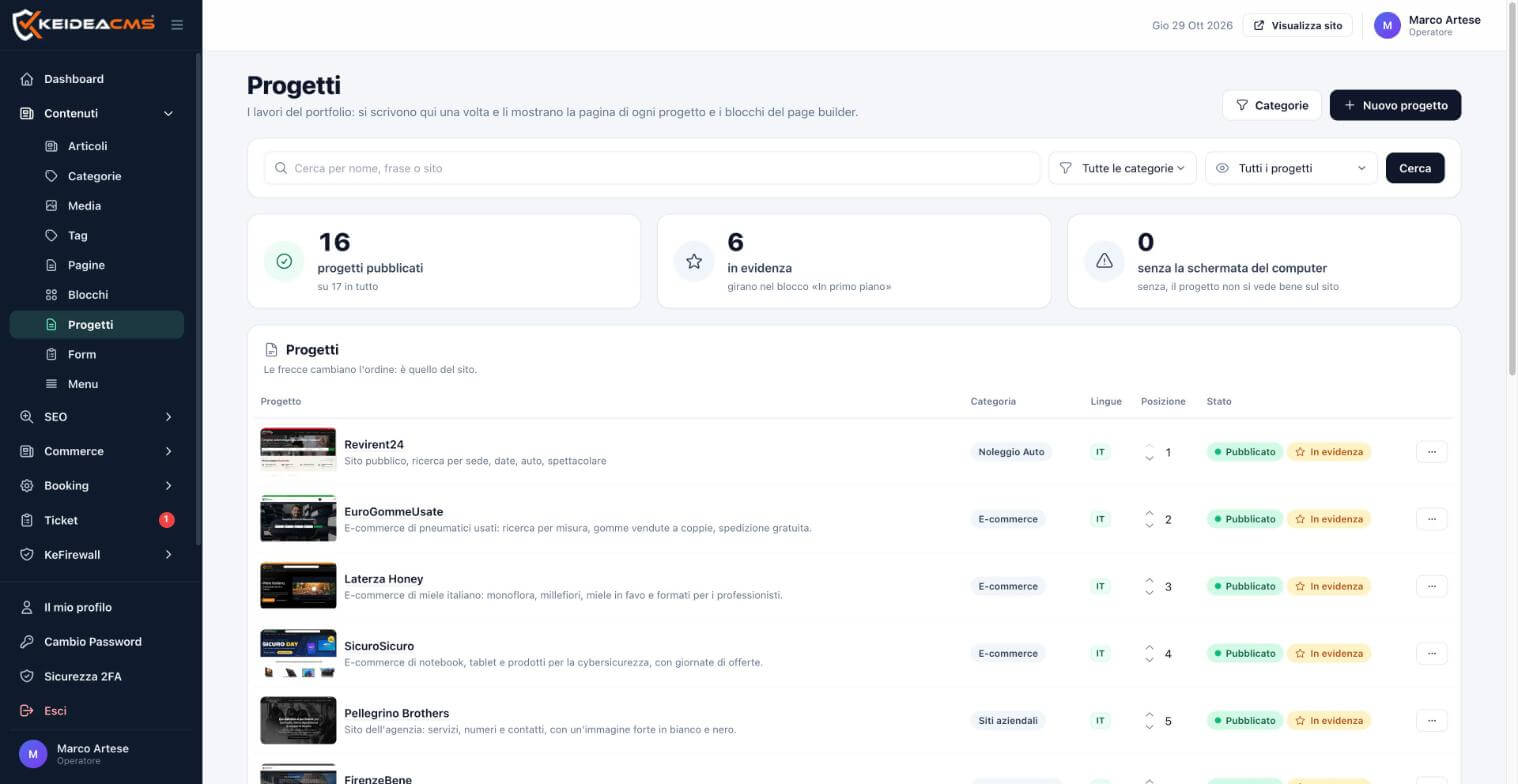
Real projects
E-commerce, rental and corporate websites that we manage every day.
Car Rental
Public website, search by location, dates, car, spectacular
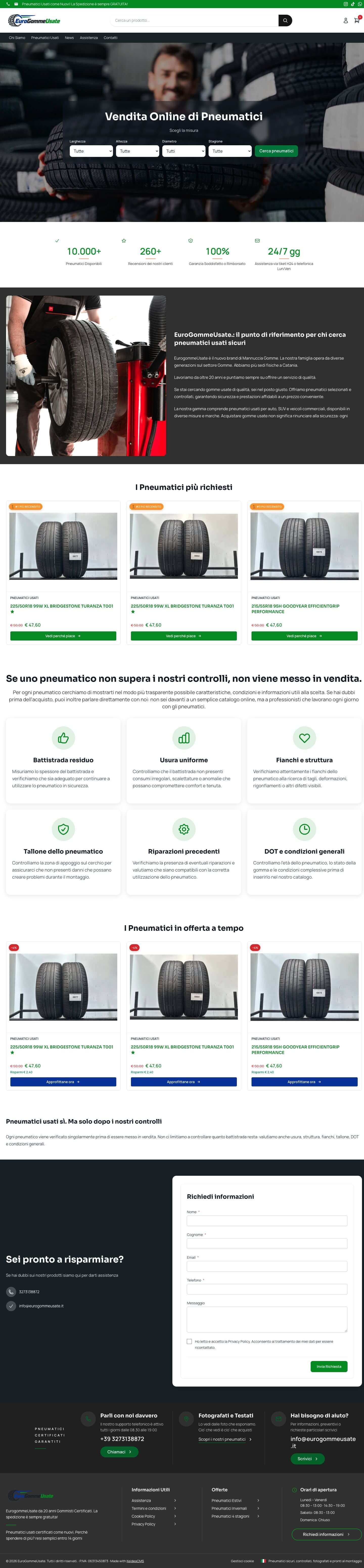
E-commerce
E-commerce for used tyres: search by size, tyres sold in pairs, free shipping.
E-commerce
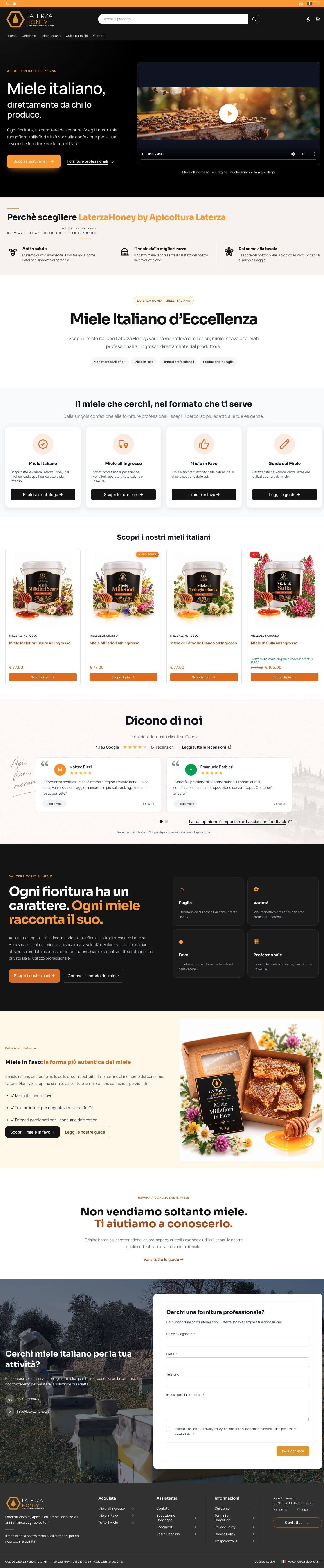
E-commerce for Italian honey: single-flower, wildflower, honeycomb honey and sizes for professionals.
E-commerce
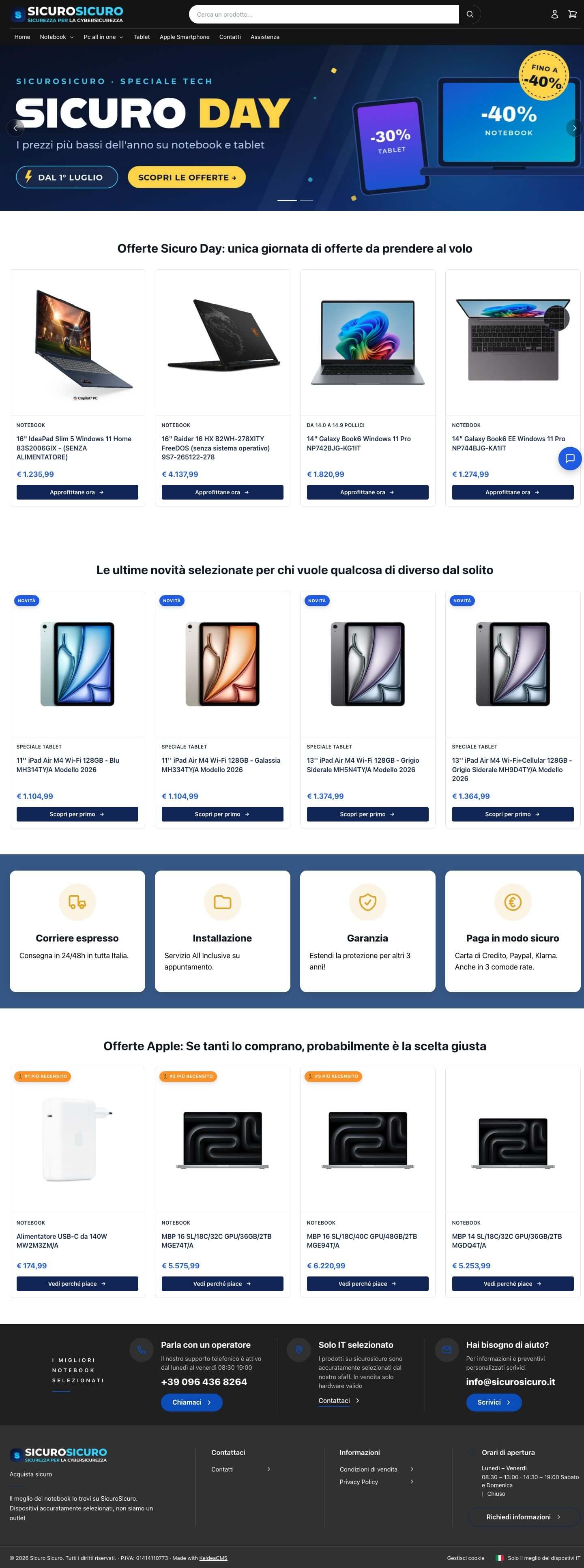
E-commerce site for notebooks, tablets and cybersecurity products, with special offer days.
There's no such thing as the best CMS in absolute terms: there's the one that's right for what you need to do and for whoever will use it every day. Before looking at features, it's worth asking who will update the system, what it will really cost over three years, and what happens to your data if one day you want to switch.
WordPress and Joomla start out lightweight and grow through plugins: each one has its own author, its own updates and its own vulnerabilities. In KeideaCMS, e-commerce, bookings, rentals, SEO and firewall are modules of the same core, updated together. The details are in KeideaCMS vs WordPress and KeideaCMS vs Joomla.
Shopify and Wix are convenient for getting started, but your shop lives on their platform, with their rules and costs that grow as sales increase. With KeideaCMS the site and the data remain yours: read KeideaCMS vs Shopify and KeideaCMS vs Wix.
PrestaShop is free to download, but servers, paid modules and developers make up the real cost. We know it well because we work with it every day, and when needed, KeideaCMS keeps inventory in sync with a PrestaShop store: the comparison is in KeideaCMS vs PrestaShop.
Pages and articles from WordPress and Joomla, products, customers and orders from PrestaShop, bookings from Vik: we bring them all in with redirects from the old addresses. Read about migration from WordPress, check out security and pricing, or book a free demo.
Do you use WordPress, Joomla, PrestaShop, Shopify or Wix? We analyze the site you have today: security, hidden costs and what to improve.
Everythingin a singleSoftware
Our phone support is available every day from 09:00 to 18:00
+39 0835 239 514 Call usWe follow you and always meet you halfway, even on spreading out your investment
Our projectsFor information, quotes, or support, write to us
info@keideacms.it
★★★★★ 5/5 | 12+ RECENSIONI VERIFICATE
Ti mandiamo il link per riprendere da dove hai lasciato, con il 10% su questo ordine.
★★★★★ 5/5 | 12+ RECENSIONI VERIFICATE
non ricevi spam
COMPLIMENTI! Hai ottenuto un coupon 10 euro di sconto sul tuo primo acquisto!
Codice copiato!
HAI DOMANDE? CONTATTACI